
Start with your fields or a screenshot
Define the columns you need, or let a first screenshot suggest a project and its first rows. Edit the definition and let later captures add useful fields when you choose.
In development · Chrome extension
Select a visible part of a webpage, use AI to organize its contents into editable rows, and collect your research in one place before exporting to Excel or CSV.
Requires a service running on your computer, a compatible AI API key with API credit, and internet access. AI requests are billed separately by your provider.
A development build is being tested. A public Chrome Web Store installation link is not yet available.
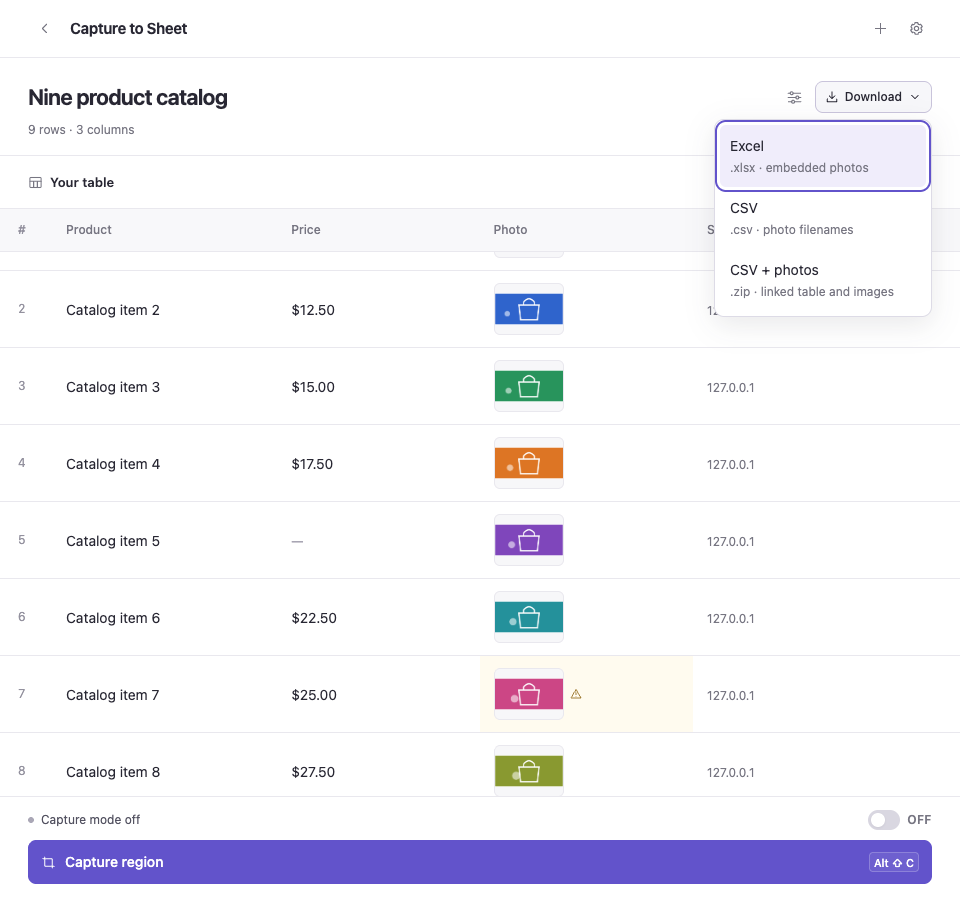
See it in action
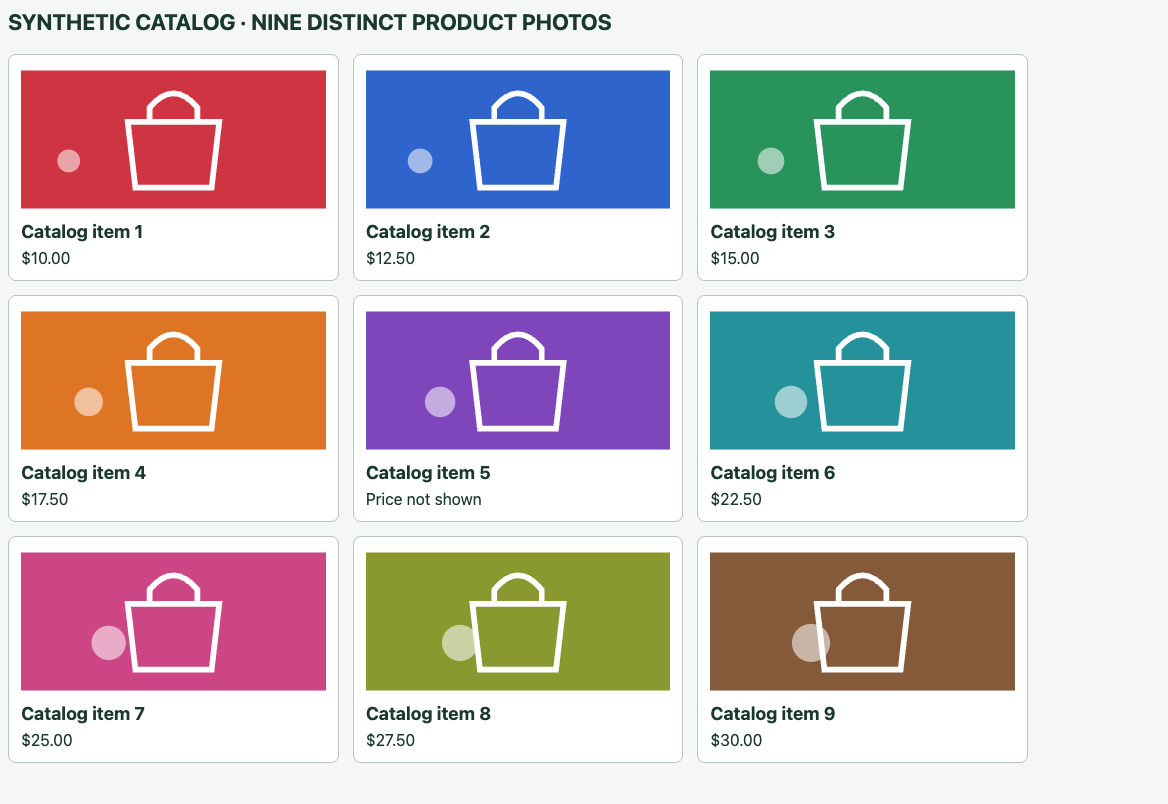
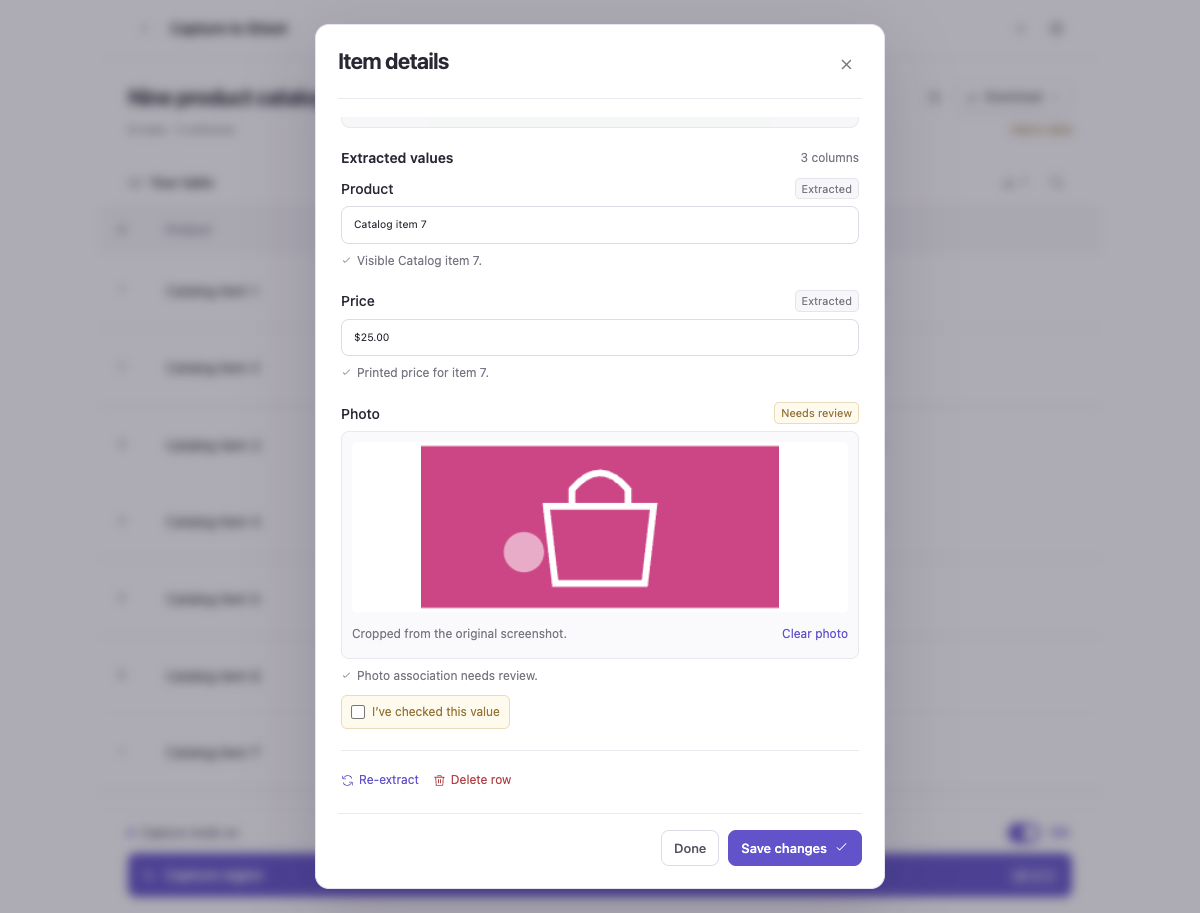
Actual extension UI with synthetic catalog data; extraction output uses a test provider. These examples show the workflow, not a live AI accuracy result.
01 / Selected input
02 / Rows and export
03 / Review and edit
Made to help
Define the columns you need, or let a first screenshot suggest a project and its first rows. Edit the definition and let later captures add useful fields when you choose.
Capture one record or several visible items at once. Keep source URLs, capture times, and original screenshots alongside your rows, with optional photo crops.
Inspect evidence, edit values, and review uncertain results. Export an Excel workbook with embedded photos, a CSV, or a CSV bundle with photos or screenshots.
How it works
Set up and pair your local service and AI API access first. Then choose what to capture and check the resulting rows before exporting.
Give your project a purpose and define its fields, or start with Generate from screenshot to suggest columns and capture your first rows together.
Approve the optional broad website permission when prompted, then drag over a visible region. The configured AI provider reads the selection and adds records to your active project.
Compare values and photo crops with the original capture, make any corrections, then download Excel or CSV when your collection is ready.
Pricing
Software pricing has not been announced during development. No paid plan is currently offered on this website.
Your configured AI provider charges separately for API usage. Extraction, retries, and re-extraction can incur charges; a ChatGPT subscription does not supply API credit.
Common questions
You need Chrome, the local service running and paired with the extension, a compatible image-capable AI API key with API credit, and internet access. Software pricing has not been announced. API usage is a separate provider charge, and a ChatGPT subscription does not supply API credit.
Yes. Generate from screenshot can suggest an editable project definition and its first rows together. You can also define columns manually. Choose fixed columns or let later screenshots add useful fields; added columns do not retroactively fill older rows.
Multiple items per screenshot can create a row for each identifiable visible item. Photo fields use crops from the selected screenshot, not original high-resolution page images. AI can misidentify a value, crop, or row association, so compare the result with the original capture.
No. Capture is user-triggered and limited to the currently visible webpage region you select. It does not take scrolling screenshots or automatically crawl pages. Chrome asks for one optional broad website permission; Capture OFF stops capture mode but does not revoke that permission.
The selected screenshot, any bounded detail views derived from it, your task instructions, field definitions, and optional numeric image-bound hints are sent through your local service to the configured provider. The source URL is saved locally and exported, rather than routinely included as a separate AI request field. Provider data policies apply.
Download Excel with embedded photos, CSV, or a CSV bundle with photos or screenshots. Deleting a project removes its Chrome records but does not remove its definition from the local service’s database. A shared screenshot remains until its last row is deleted. Exports and backups are independent copies; clearing or uninstalling the extension can lose local collections.
Before you begin
This development build requires Chrome, a running service on your computer, a compatible image-capable AI API key, API credit, and internet access. Extraction and re-extraction can incur API charges; a ChatGPT subscription does not supply API credit.
Projects, rows, and selected screenshots are saved locally. The selected region, any derived detail views, your instructions, and field definitions are sent to your configured AI provider for extraction. Avoid capturing information you do not want that provider to receive; its API data policies apply.
AI can misread text, miss details, or associate a photo with the wrong item. Check important values and crops against the original screenshot. Capture is limited to visible webpage regions; it does not crawl pages or take scrolling screenshots.
Capture uses one optional broad website permission, not a separate prompt for each site. Turning capture off does not revoke that permission. Export regularly: uninstalling, clearing storage, or losing a Chrome profile can delete collections, and cloud sync is not included.
Capture to Sheet
A development build is being tested. A public Chrome Web Store installation link is not yet available.