
Free previews
50 jobs
Try 50 distinct, successfully displayed job previews. No email or card required.
V1 release preparation · Chrome extension
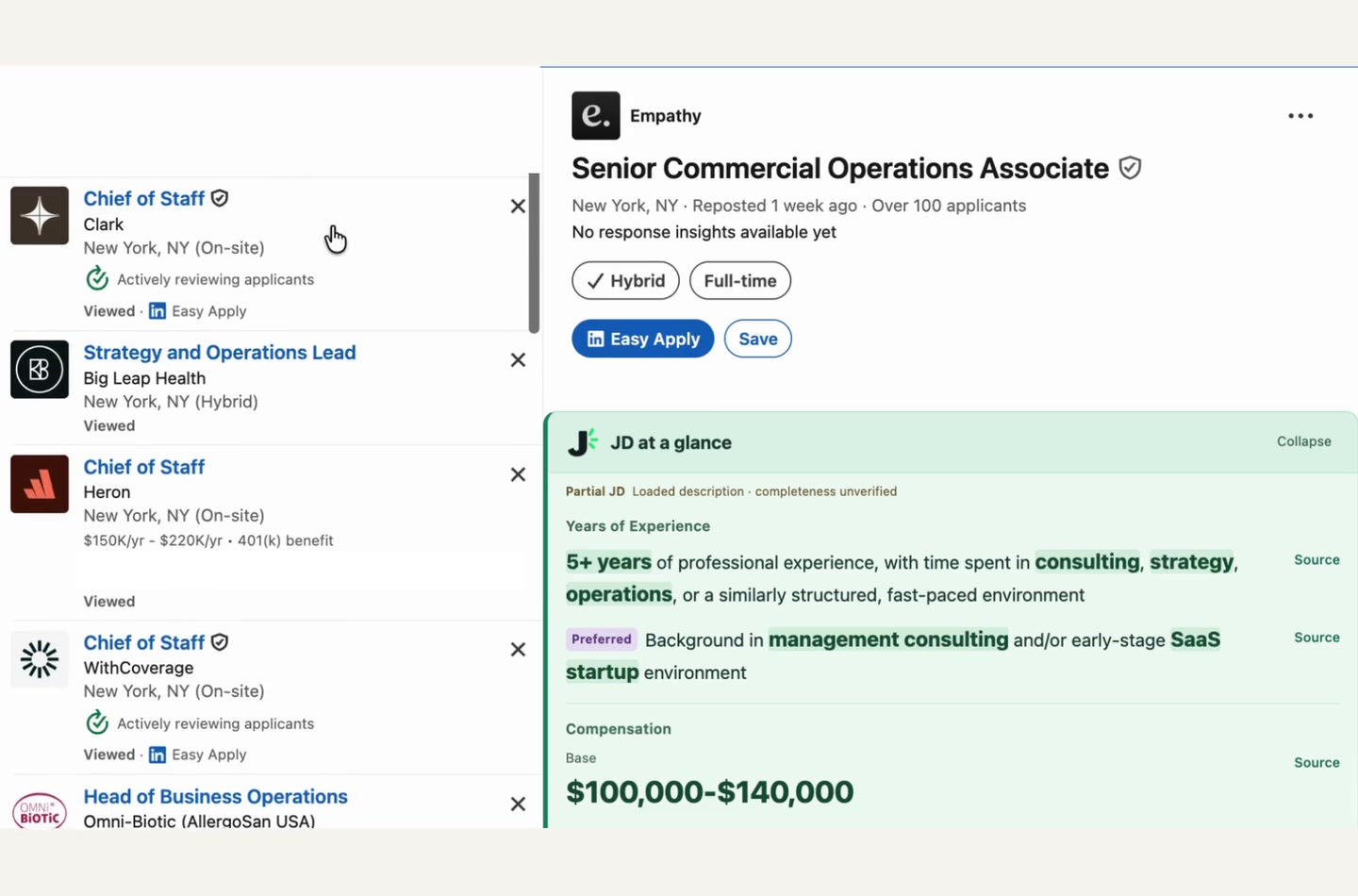
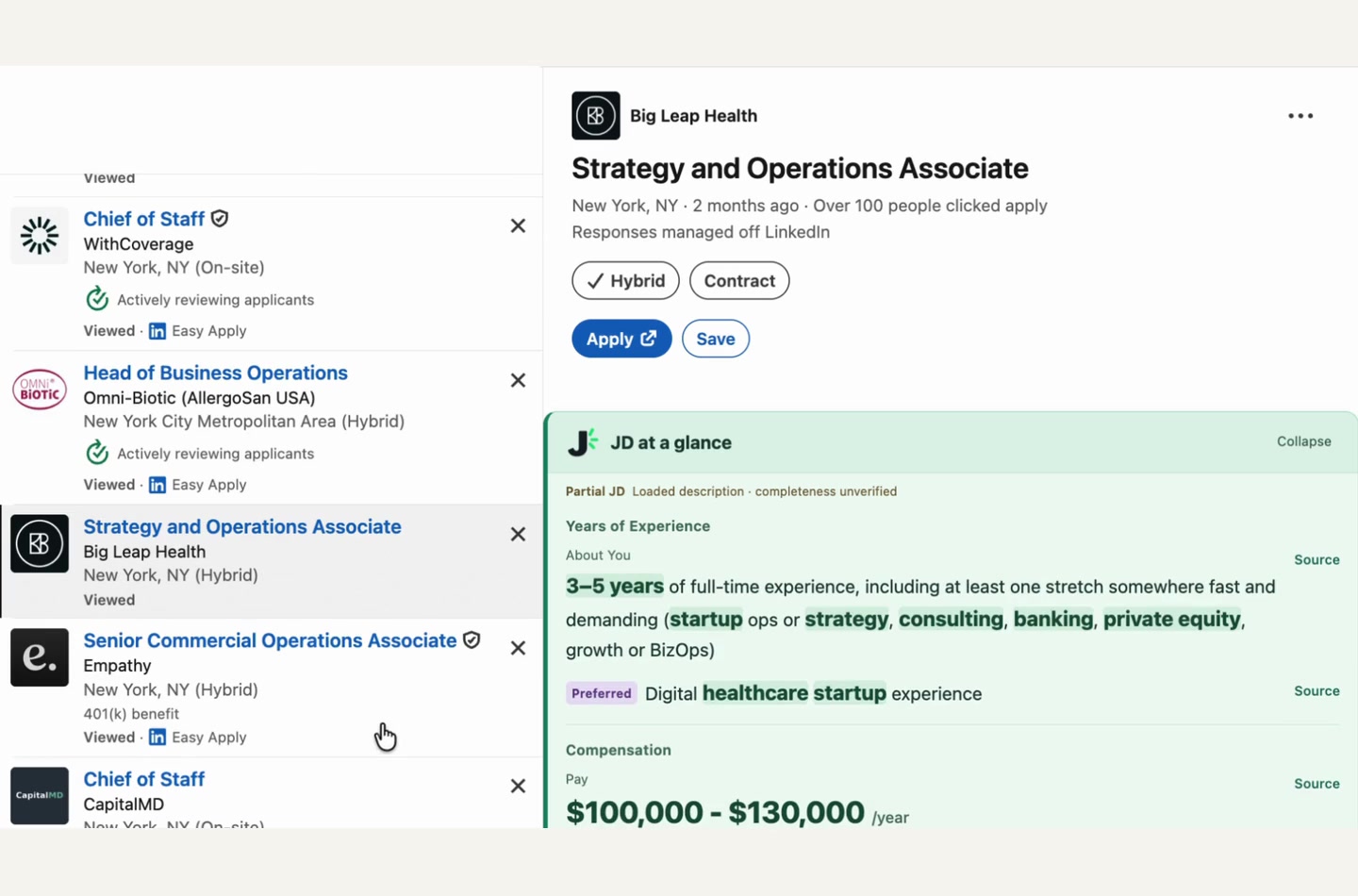
See stated experience and published pay alongside supported English job descriptions. Click a job, scan the essentials, and check the original source.
JD analysis stays on your device. Start with 50 free previews; no email or card required.
Chrome Web Store review is being prepared. Installation link coming after approval.
Supported platforms
Selected English job pages
See it in action
Experience and published pay stay close to the listing.
Pricing
No countdown. No subscription.
50 jobs
Try 50 distinct, successfully displayed job previews. No email or card required.
$9.99
Unlimited previews on supported job pages.
USD; applicable taxes appear at checkout. Free previews never charge you automatically. The Chrome Web Store installation link will be added after approval.
Common questions
Open the extension on a supported job page and choose Show job insights. Local rules find stated experience and published pay in the job description or published fields. No AI service is used. Open Source to check the supporting wording.
We test across many job descriptions, but cannot guarantee 100% accuracy. Wording, page layouts, and access to the full listing affect the result. It can miss or misread details, so check Source and the original job description before relying on a result.
We do not fill missing information with estimates. The field stays blank or shows NA when no matching detail is detected in the content read. That can also happen with an incomplete or unreadable listing, so it is not proof that the employer has no requirement or pay information.
The platforms listed above support selected English job pages and layouts. LinkedIn, Indeed, and Google Jobs read the loaded job details, so you may need to open or select a job first and allow site access. Sign-in restrictions, closed jobs, and layout changes can prevent a result. Private newsletter support is coming soon and is not part of version 1.
Yes. Show job insights enables display across new tabs and supported sites you allow, including LinkedIn and Indeed. Hide job insights pauses all tabs. Your choice is remembered when Chrome restarts. Other employer sites may need a one-time site-access permission.
A distinct job counts when you actually see useful experience or pay information. Reopening the same recognized job, failed reads and background requests do not spend another preview. There is no time limit.
No email or card is needed to start. Our welcome page connects a random browser identifier to your free balance. A first-party cookie can recover that balance after reinstalling. Buying or restoring a purchase uses ExtensionPay and the original payment email.
JD analysis stays on your device. The quota service stores a random browser identifier, balance and salted job digests, not the original job text or URL. See the Privacy Policy for local caches, cookies and payment handling.
One-time purchases are generally final after access is delivered. Contact us about billing errors, failed access or an unresolved material technical issue. Mandatory consumer rights still apply. Read the Refund Policy for details.